
- Click the following button which brings you right into Microsoft Teams:
 Add in Microsoft Teams
- Click the Add button.

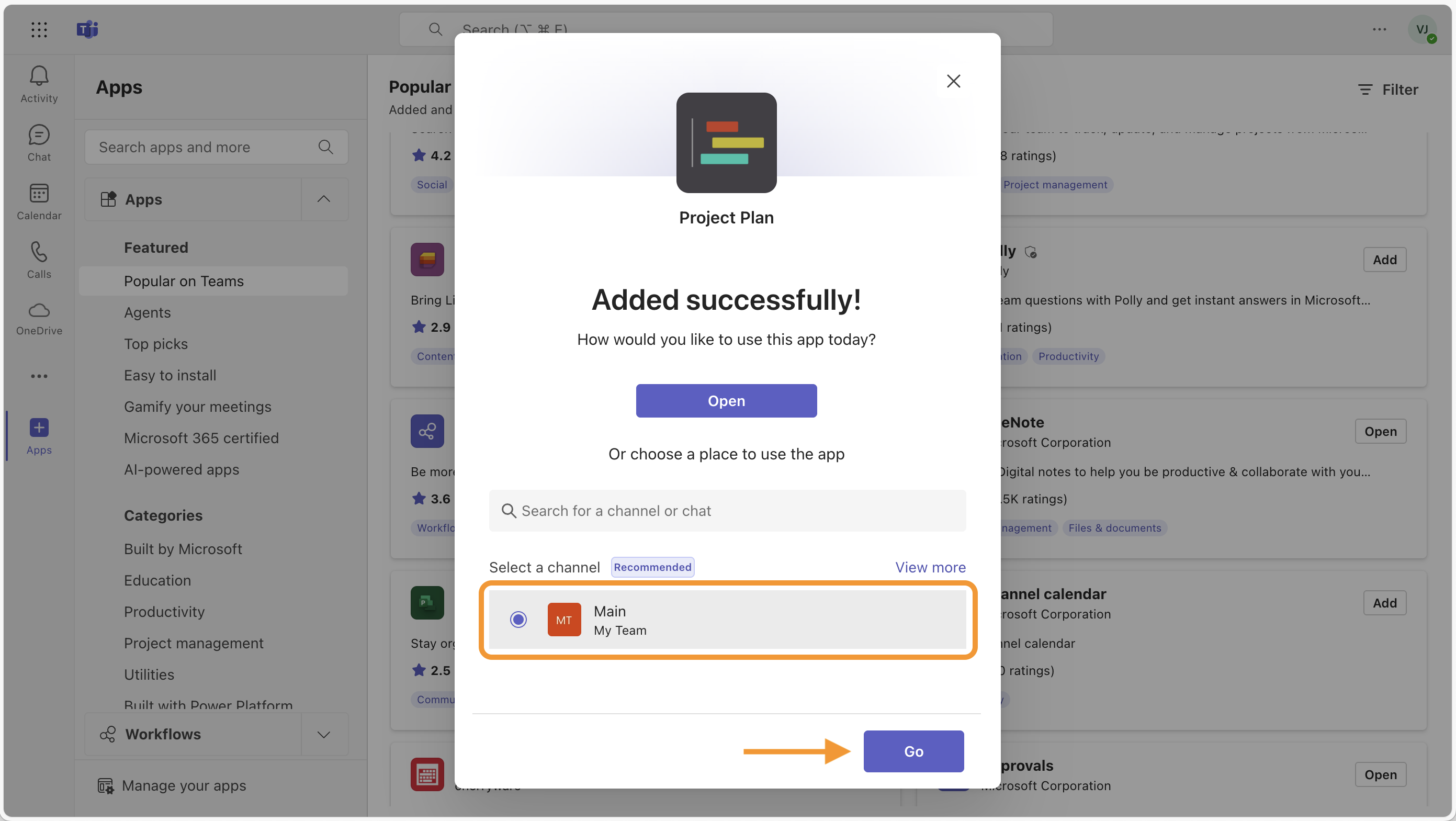
- First, select a channel or chat where you would like to add Project Plan. Then click Go.
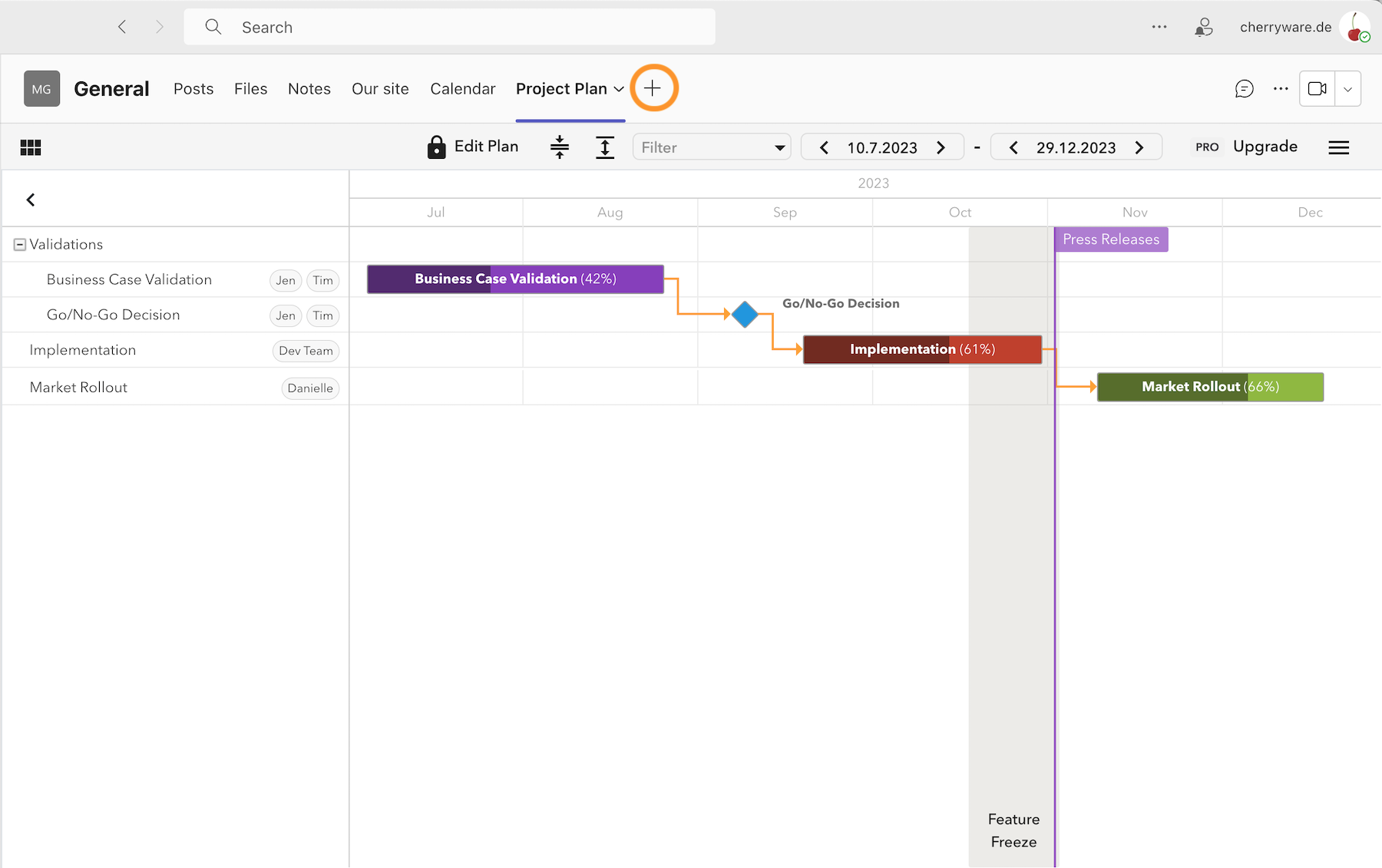
- If you would like to add another plan in a channel, press the plus button to add the Project Plan app to your channel once again.
Step-by-step Video
You may also follow this video tutorial to add a Project Plan in Microsoft Teams.